You remember too late
A tracker that waits to be opened cannot help at the moment the habit matters.
Habit Trackd turns vague intentions into scheduled actions with useful reminders, guided routines, flexible goals, and progress you can actually understand.
You need a system that helps when it is actually time to act.
A tracker that waits to be opened cannot help at the moment the habit matters.
Spreadsheets and Notion templates can take more effort to maintain than the habit itself.
Rigid daily streaks ignore real schedules and turn useful context into unnecessary guilt.
Create a Personal or Business habit and give it a useful name.
Choose days, intervals, times, multiple slots, and the duration that fits.
Use iPhone notifications and optional Apple or Google Calendar sync.
Complete related habits in order and return later without repeating finished steps.
Review history, goals, completion patterns, and past check-ins.
Every day, once a week on your chosen day, any weekday combination, or every N days. Add the exact time and duration you need.
Put related habits into an ordered flow. Finished steps stay finished for the day, and only the remaining work appears when you return.
Connect habits and routines to outcomes that may take weeks or months. Track active, paused, completed, and archived goals.
Optionally sync to Apple Calendar, Google Calendar, or both. Keep individual habits private whenever you choose.
Review complete, partial, missed, and not-due days. Correct check-ins when life or a missed tap gets in the way.
Pro members can import and export habits, check-in history, and full account backups using CSV and JSON.
Keep work systems away from personal routines without needing another app. Habits, routines, and goals respect the selected area across Today.
| What You Need | Typical Manual Template | Habit Trackd |
|---|---|---|
| Start quickly. | Copy, customise, and learn the setup. | Create and schedule the habit. |
| Remember to act. | Remember to open the workspace. | Get an iPhone or optional email reminder. |
| Follow a sequence. | Navigate a checklist or database. | Run a guided routine. |
| Use real frequencies. | Configure properties, formulas, or views. | Choose the schedule directly. |
| Review progress. | Depend on how the template was built. | Use built-in history and goals. |
The app keeps the next action clear while giving you the full story when you want it.
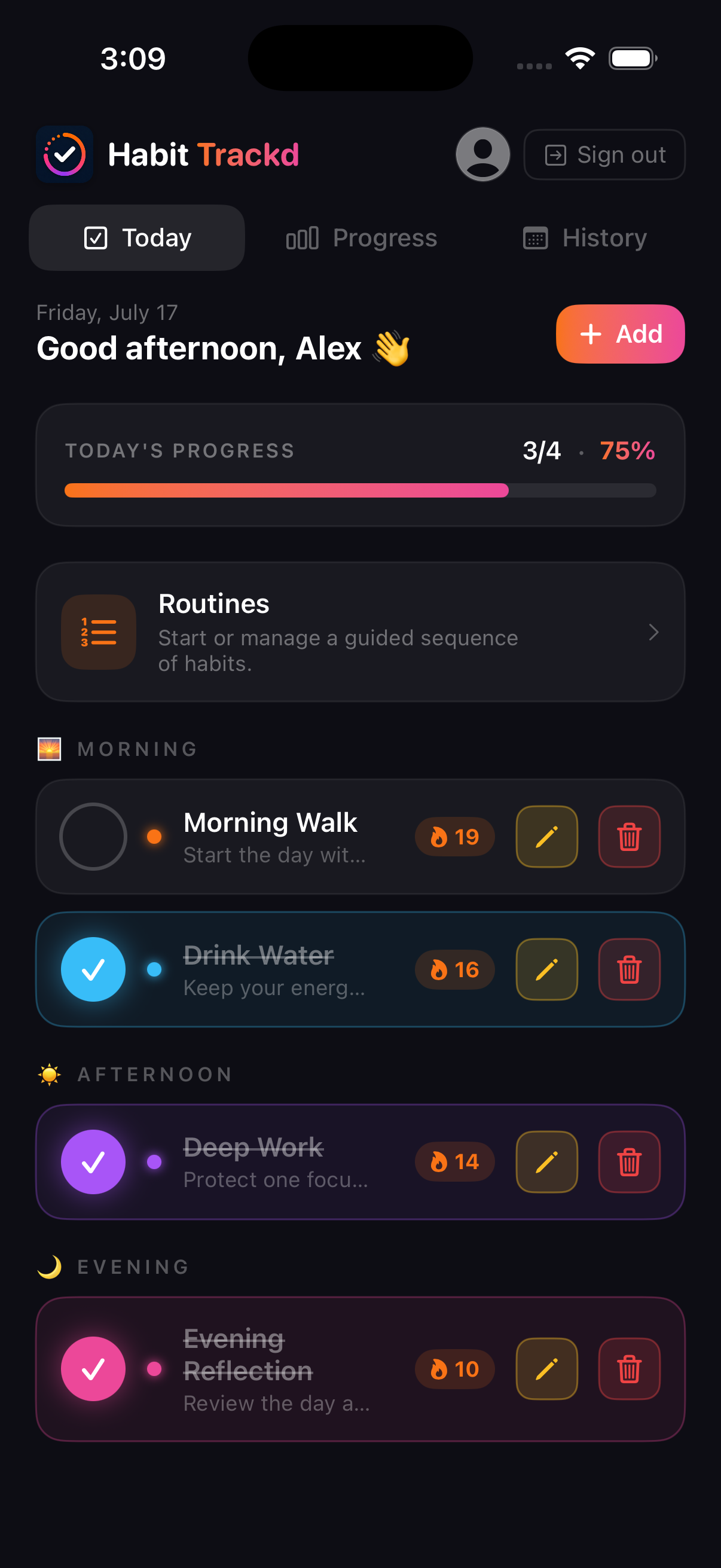
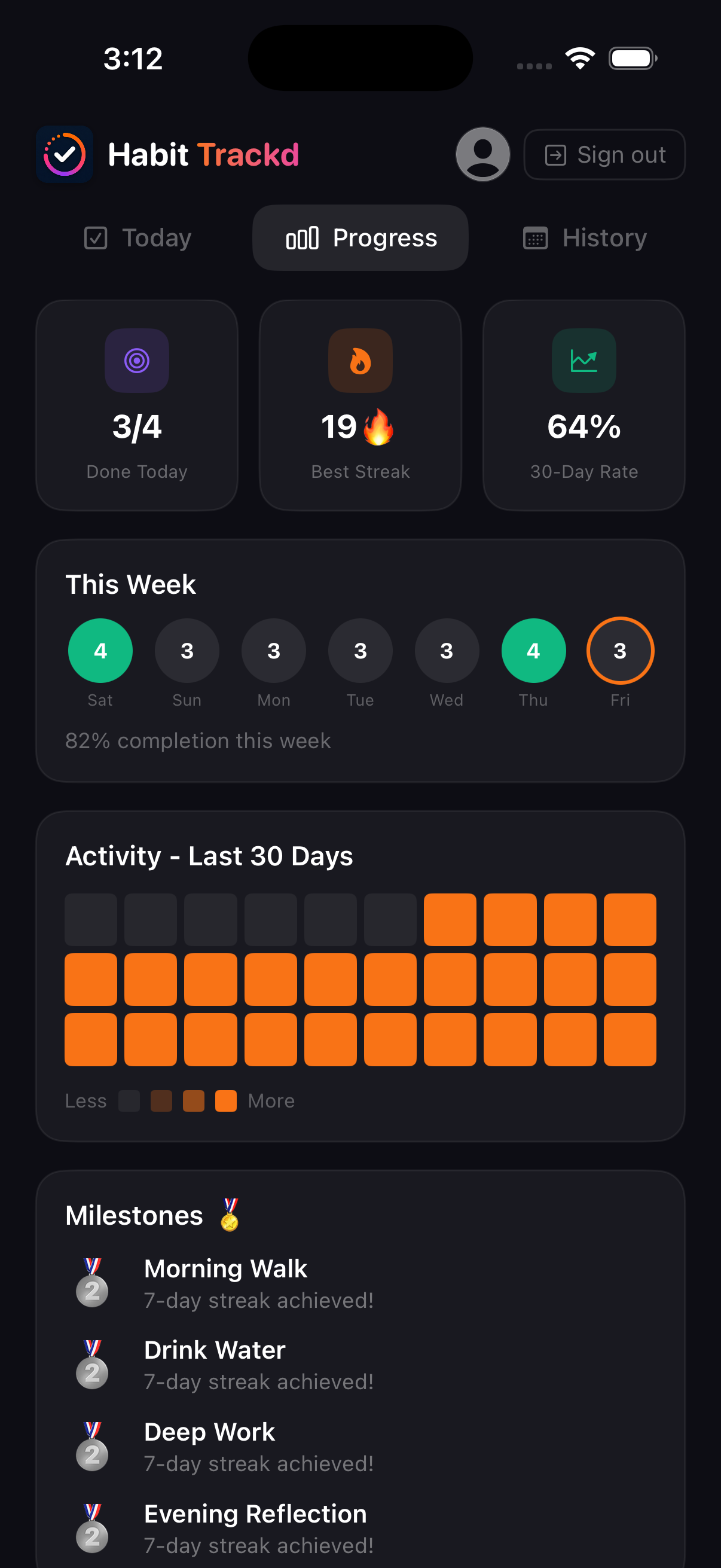
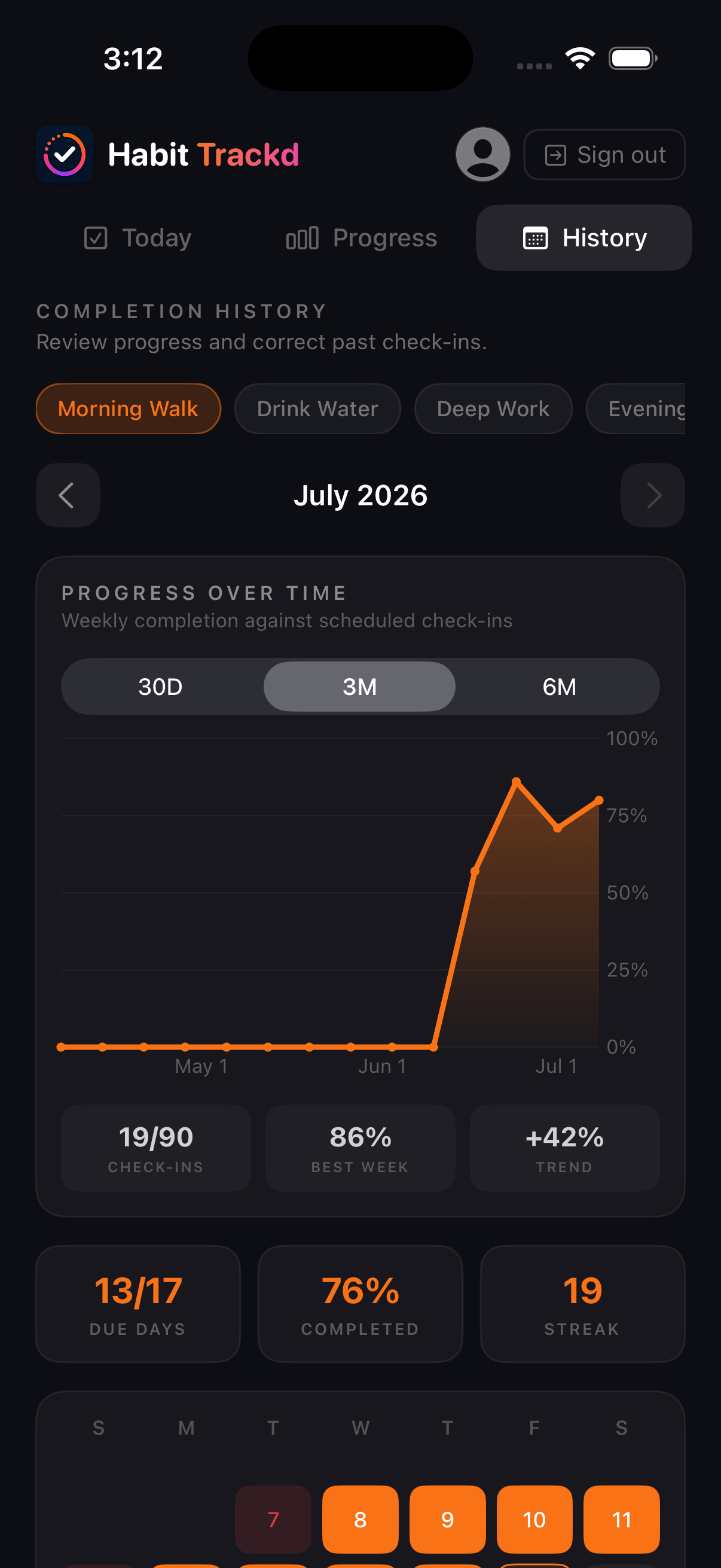
The free plan lets someone experience the core flow. Pro unlocks the complete system for people who want more habits, deeper scheduling, calendar sync, and control of their data.
Habit Trackd gives you useful structure without turning personal progress into public performance.
No. Habit Trackd works inside the app. Apple and Google Calendar connections are optional Pro features, and individual habits can remain private.
Yes. When both are connected and calendar sync is enabled, the habit can appear in both places without creating repeated duplicates in the same calendar.
Your schedule determines when a habit is actually due. A missed day becomes useful context rather than erasing everything you have done.
Yes. Removed habits go to Archived Habits first. You can restore them there or choose permanent deletion with confirmation.
Pro members can export habit setups, check-in history, and full account backups using CSV and JSON. Full backups can also restore routines and goals.
There is no timed trial. The permanent free plan includes 2 habits, 1 guided routine, 1 active goal, basic reminders, and 7 days of history.
Not yet. The first release is being built for iPhone.
Join the beta, install Habit Trackd through TestFlight, and help shape the public release.